往事如烟
笔记分享
docker 安装Next Terminal堡垒机
平时需要软件厂家技术支持时一直使用向日葵、Todesk等远程工具到服务器操作,但是这些工具在多台服务器和需要多个厂家维护的时候很不方便,没有权限分配和审计日志功能。
在网上找到Next Terminal这个工具,免费开源,支持RDP、SSH等协议,可以直接通过浏览器访问,无需再安装软件,而且支持审计,记录登录操作日志。
docker安装
在任意位置创建文件夹 next-terminal ,然后在此文件夹下创建 docker-compose.yml
xxxxxxxxxx31mkdir next-terminal2cd next-terminal3touch docker-compose.yml写入如下内容:
xxxxxxxxxx251version'3.3'2services3 guacd4 imagedushixiang/guacdlatest5 volumes6./data:/usr/local/next-terminal/data7 restart8 always9 next-terminal10 imagedushixiang/next-terminallatest11 environment12 DBsqlite13 GUACD_HOSTNAMEguacd14 GUACD_PORT482215 ports16"8088:8088"17 volumes18/etc/localtime:/etc/localtime19./data:/usr/local/next-terminal/data20 restart21 always22# 后台启动23docker-compose up -d24# 更新25docker-compose pull && docker-compose restart反向代理
nginx 等web服务器反向代理 next-terminal 使用,一是可有效避免伪造 IP 绕过系统限制,二是开启 https 后可无缝同步系统粘贴板。
通过nginx配置好vhost和ssl后,在nginx配置文件,添加以下配置
xxxxxxxxxx81location / {2proxy_pass http://127.0.0.1:8088/;3proxy_set_header Host $host;4proxy_set_header X-Forwarded-For $proxy_add_x_forwarded_for;5proxy_set_header X-Real-IP $remote_addr;6proxy_set_header Upgrade $http_upgrade;7proxy_set_header Connection $http_connection;8}
使用
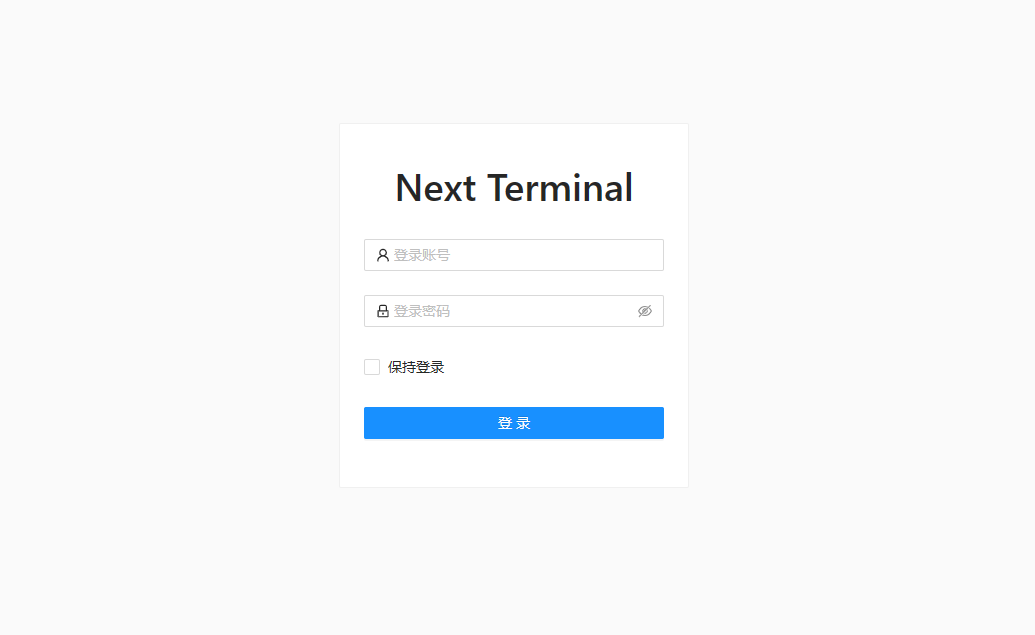
默认账户密码 admin/admin 登录系统
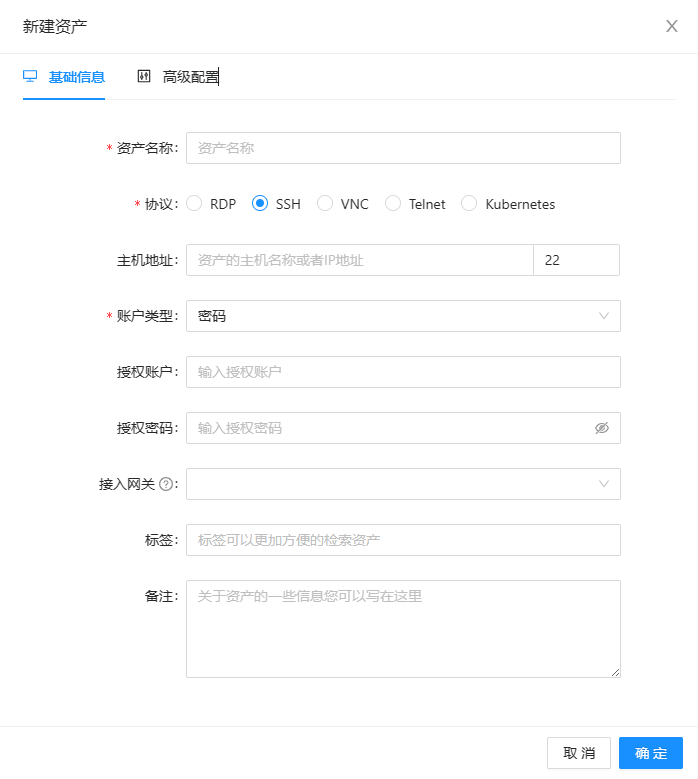
 添加服务器资产
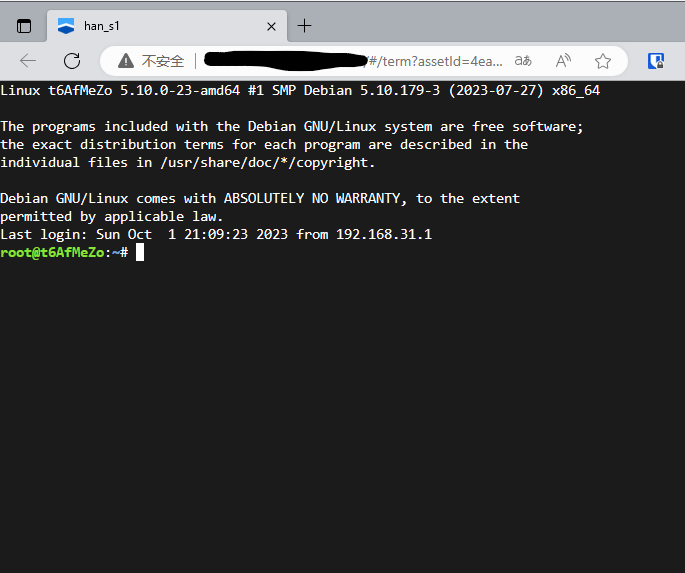
 直接通过浏览器接入
Linux ssh 安全设置
Linux ssh 安全设置,Linux默认的SSH端口是22,为了安全性就需要修改掉默认的SSH端口号,防止被穷举密码。禁止root登录,新建普通用户登录。
修改SSH默认端口
编辑/etc/ssh/sshd_config 文件
xxxxxxxxxx11vim /etc/ssh/sshd_config
找到Port 22 改成Port 10086
xxxxxxxxxx41# 重启ssh2/etc/init.d/ssh restart3# 添加防火墙,放行 10086端口4iptables -A INPUT -p tcp --dport 10086 -j ACCEPT
禁止root登录
禁止root登陆,新建普通用户,登陆后用su -命令转到root用户。
xxxxxxxxxx41useradd username #新建用户2passwd username #设置密码3sed -i 's/#PermitRootLogin yes/PermitRootLogin no/g' /etc/ssh/sshd_config #设置禁止root登陆4/etc/init.d/ssh restart #重启SSH
一般设置这些就够了,也可以设置更强的密钥登陆。
豫ICP备2023032058号-1